tvOS on your Fire TV.
Glass is a free, open-source home screen with Apple TV’s look: Top Shelf, Cover Flow and a Control Center that opens in about 200 ms. Sideload it in a minute.
Tested on a Fire TV Stick 4K (2nd gen). Free, Apache-2.0.

The look, the speed.
Focus lift, tilt and panel timings follow tvOS, tuned so a Fire TV Stick keeps up. Measured on a Fire TV Stick 4K (2nd gen): under 1% janky frames.
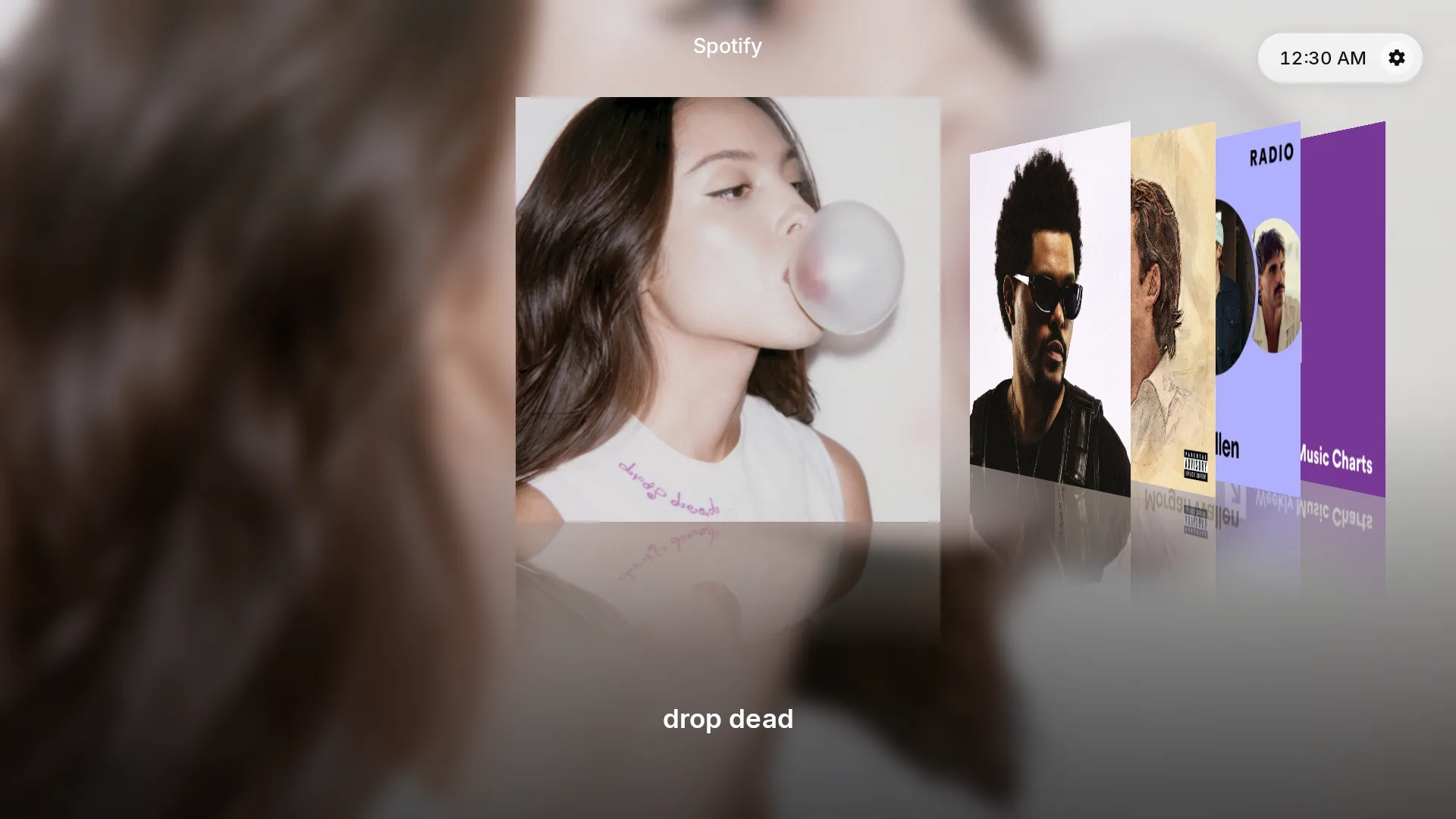
Cover Flow
Spotify covers in the Top Shelf become a Cover Flow of your albums and playlists.
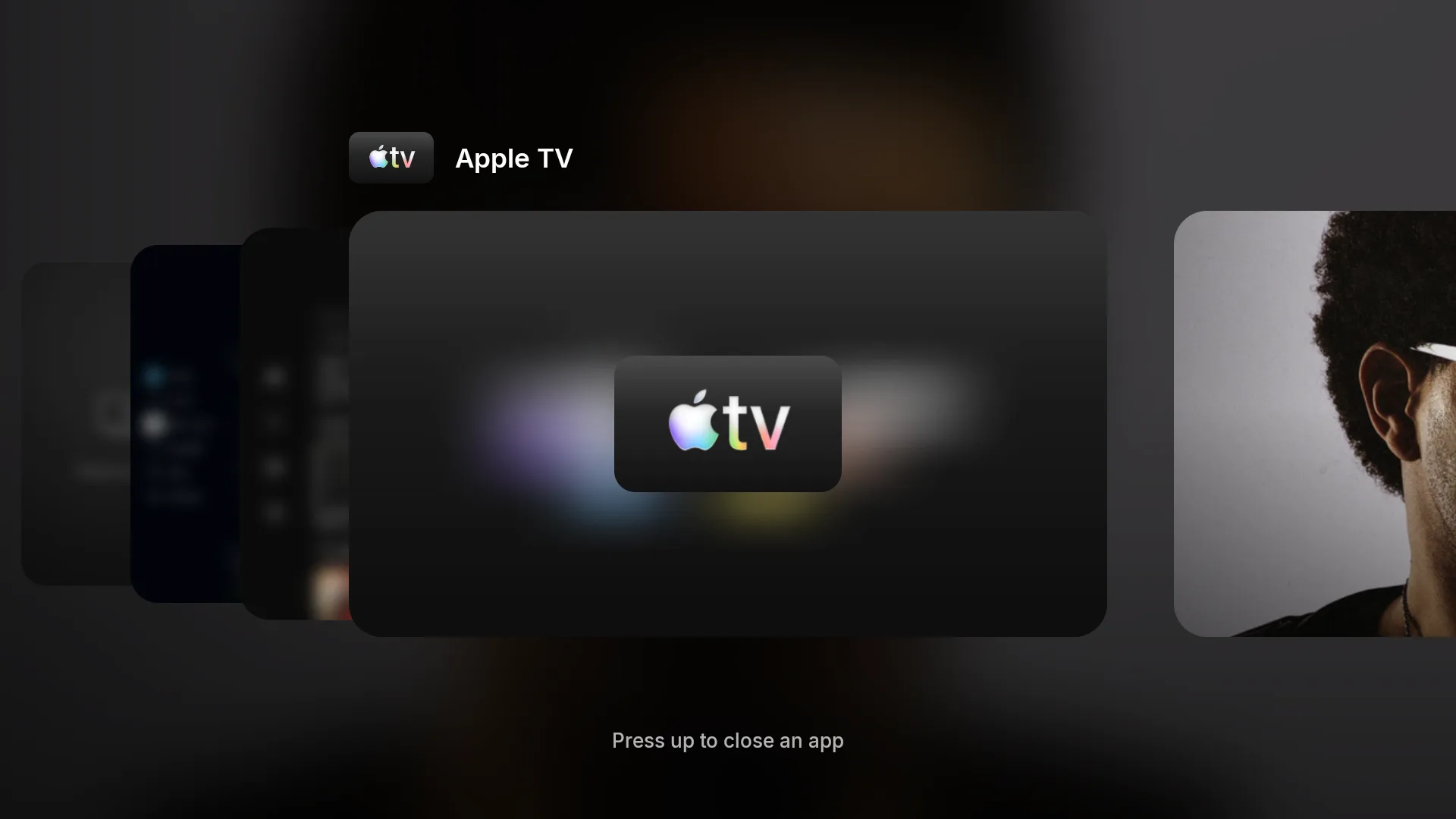
App switcher
Recent apps as cards. Press up to close one.
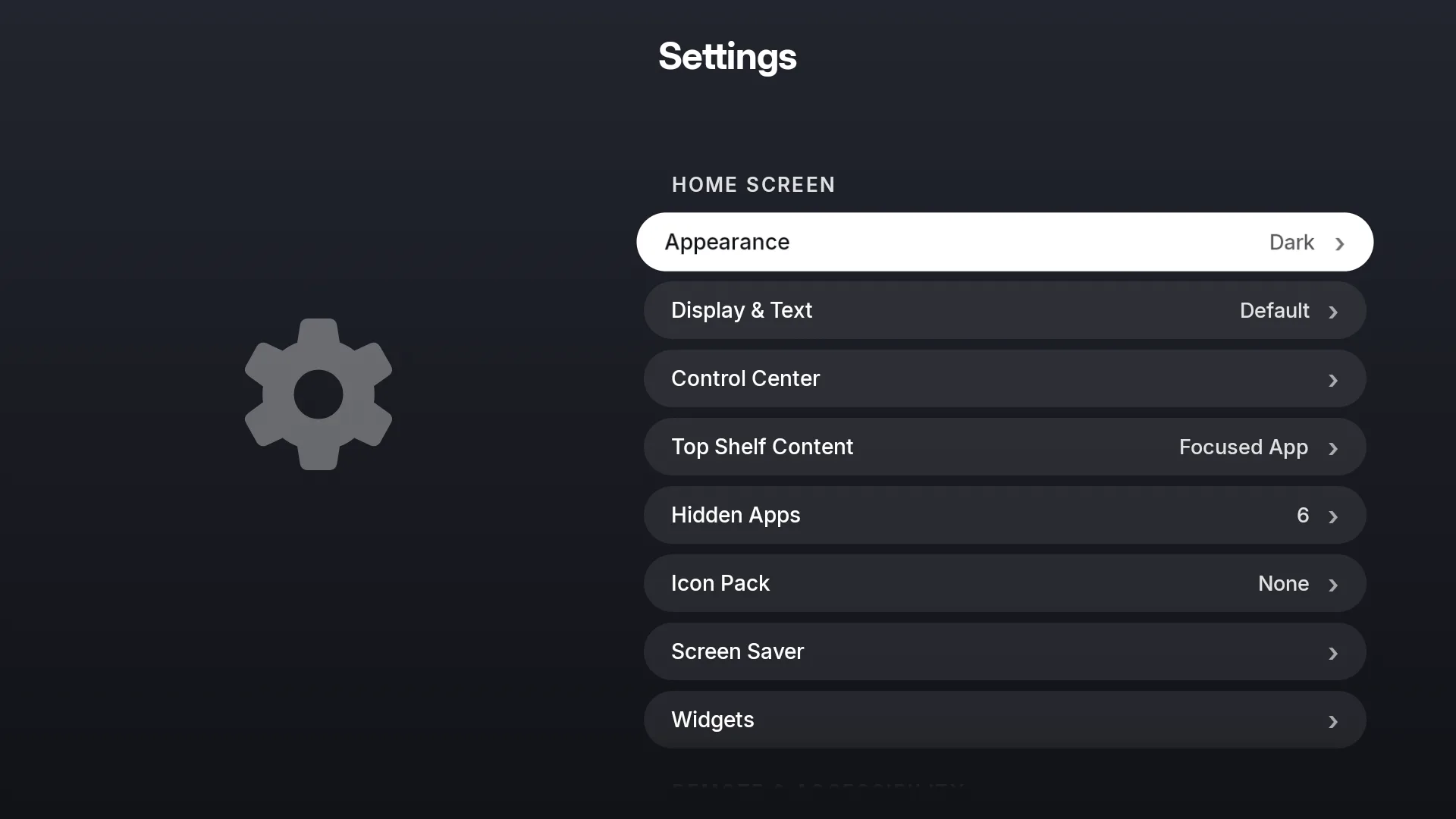
Customizable Control Center
Opens in about 200 ms. Add, remove and resize its controls from Settings.
More than a skin.
- Today
Info with the cast.
Press Info on a Top Shelf title for cast photos, director, writers and seasons.
- Glass Pro
Pair a remote by holding Home.
Hold Home for 10 seconds, as on Apple TV. The Remotes panel in Control Center shows what Glass sees.
- Coming
AirPlay.
Built-in AirPlay is coming. Today the separate PhairPlay receiver does it, switched on from Control Center.
- Coming
Downloads and Sonos.
A downloads shelf and Sonos control are being built.
Three ways to get Glass.
Start with the APK.
- APKSideload the app. No root. On Fire TV, one adb command makes it the real home screen.Available
- Glass Pro (rooted)Magisk modules: Glass as a system app, hold-Home pairing, remote buttons, Control Center over apps. Works today from source; one-zip release coming soon.Works today (advanced)
- Glass OSA rebuilt Fire OS with Glass built in.In development
What to know first.
- Tested on one stick.The Fire TV Stick 4K (2nd gen). Others should work. Tell us how it runs.
- Some extras need root.Hold-Home pairing, remote buttons and Control Center over apps are part of Glass Pro. It works today from source on one stick; the one-zip release is coming soon.
- Independent.Not affiliated with Apple, Amazon or Google.
Questions.
Which devices does it run on?
Glass needs Android 9 or newer. It is tested on the Fire TV Stick 4K (2nd gen) only. Other Fire TV, Android TV and Google TV devices should work, but nobody has verified that yet.
Does it replace Fire’s home screen?
Once you set it as home. Fire OS has no default picker, so Glass either brings itself back over Amazon’s home or one adb command disables Amazon’s launcher. Your apps are untouched.
Does it show ads or track me?
Glass shows no ads and needs no account. The app has no analytics or tracking libraries. It only contacts the services behind its features: your featured shelf source, weather, Aerial videos and GitHub for updates.
What permissions does it need?
Everything works without the optional grants. They are one adb command each: secure settings for the screensaver, usage access for the full recent-apps list, and location for the Wi-Fi name.
How does it update?
Inside the app, from GitHub Releases. Android asks before each install.
How do I undo it?
Turn off Home Button Takeover and uninstall. If you disabled Amazon’s launcher, run adb shell pm enable com.amazon.tv.launcher first.